Editing a Page
Check Out
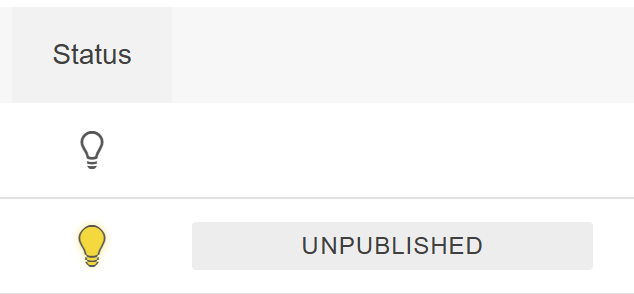
Clicking on a page will check it out to you. The page can then be edited and published to the live site. You can check the status of a page in the folder.
Save
When moving from main content to side or full width content, the page must be saved. Before publishing the page, it must be saved. Click the save button to save all changes.

Check In
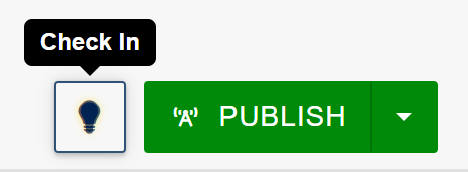
Before publishing a page, you must check the page in. You can do so by clicking the light bulb button.
Publish
When the page is finished, click the publish button.
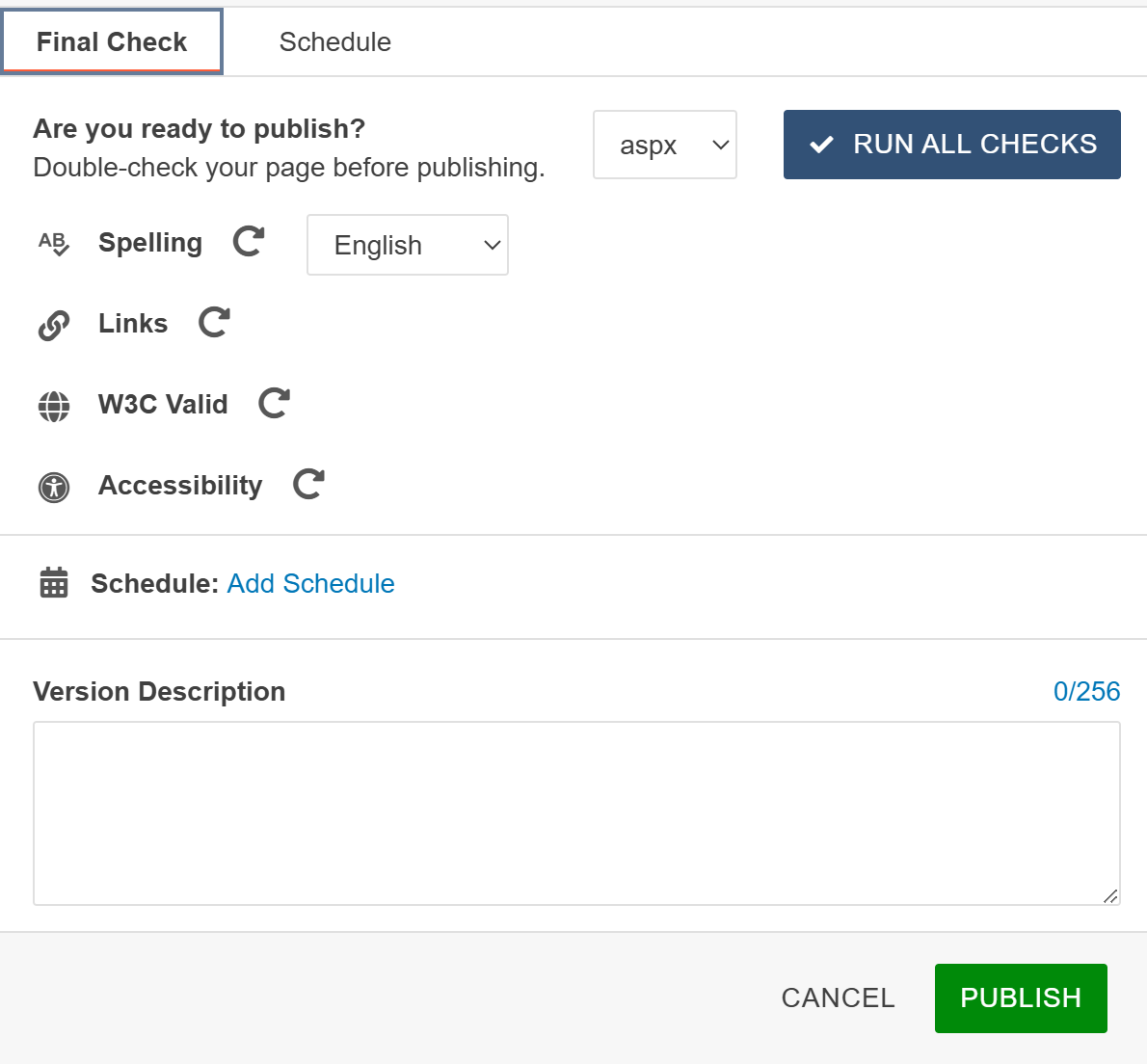
You can run a series of checks to ensure the page will run smoothly upon publication.
View CMS Support Page for additional resources.