Page History
Viewing Page History
To view the version history of a page, open the page and click on the 'Versions' button. Make sure that the page is checked out to view the history.

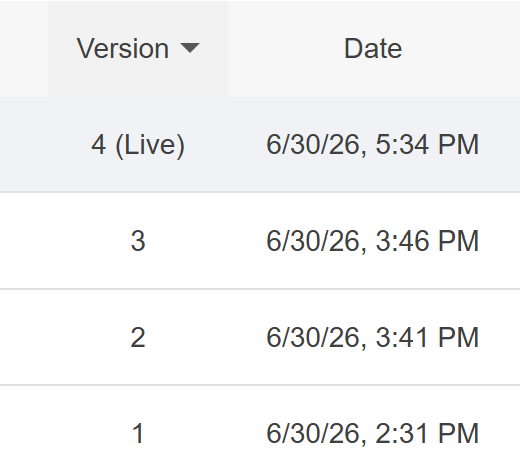
All versions of the page can be viewed. Click the three dots on the side for more actions.
Actions
Older versions of a page can be viewed or compared with the current page. The current page can also be reverted to a previous version and republished to the live site.
