Logging In and Accessing Pages
Logging In to CMS
RSCCD login: https://www.rsccd.edu/login
SAC login: https://www.sac.edu/login
SCC login: https://www.sccollege.edu/login
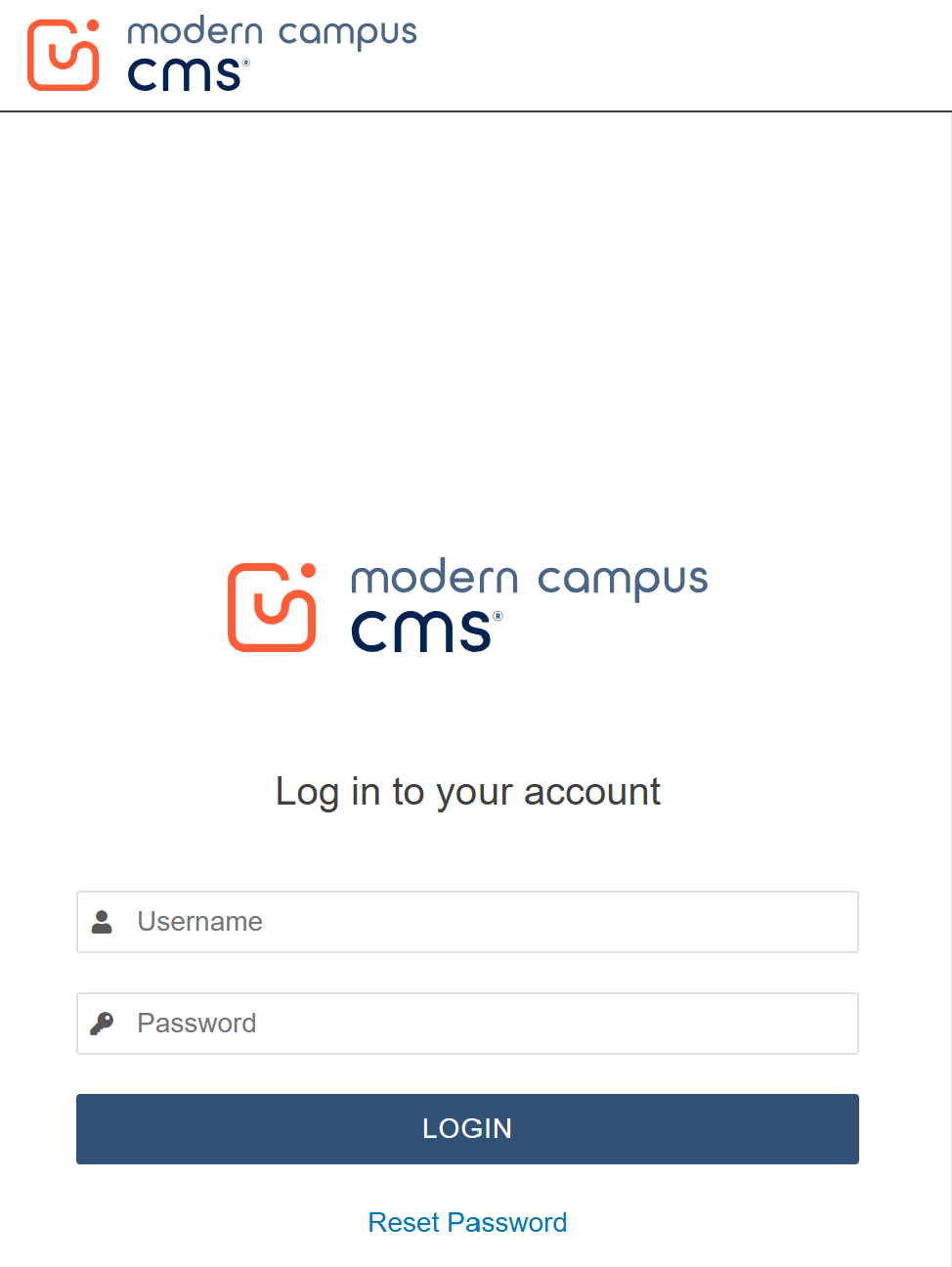
Enter username and password to .
Visit Troubleshooting Page for additional resources.
Accessing Pages
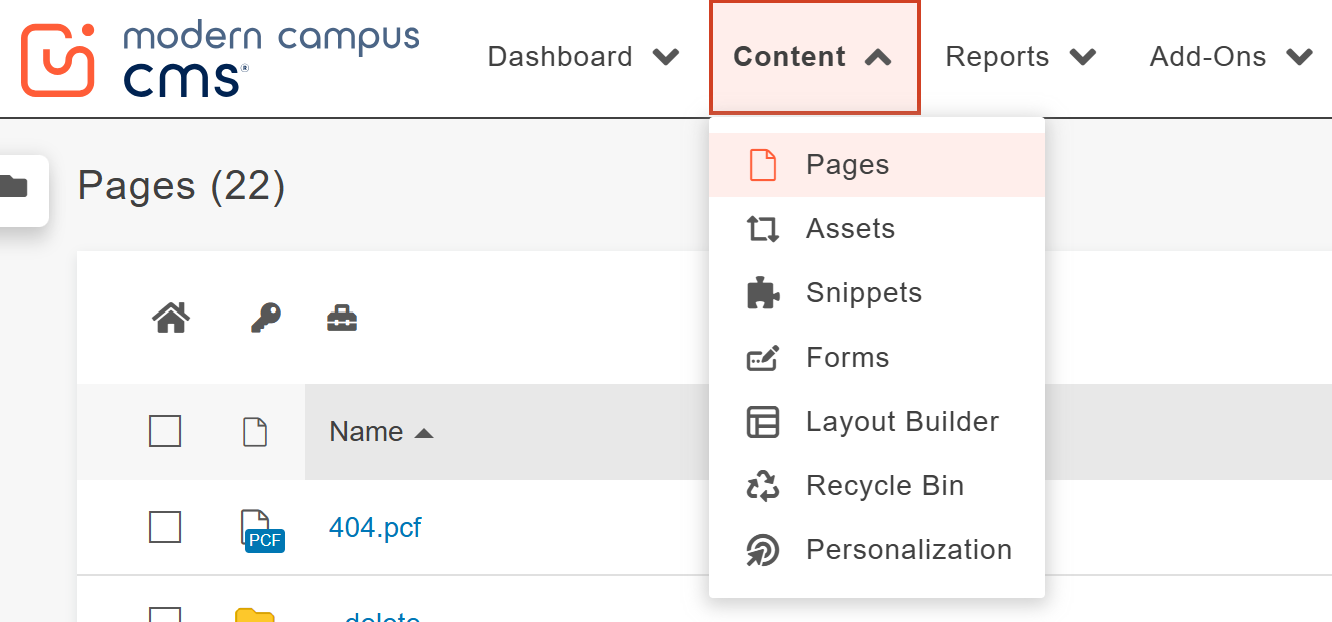
Click on the 'Content' dropdown menu and select 'Pages' to view and edit pages.