Creating New Pages
Creating a New Page
To create a new page:
1. Click the 'New' button

2. Choose from the available page layouts
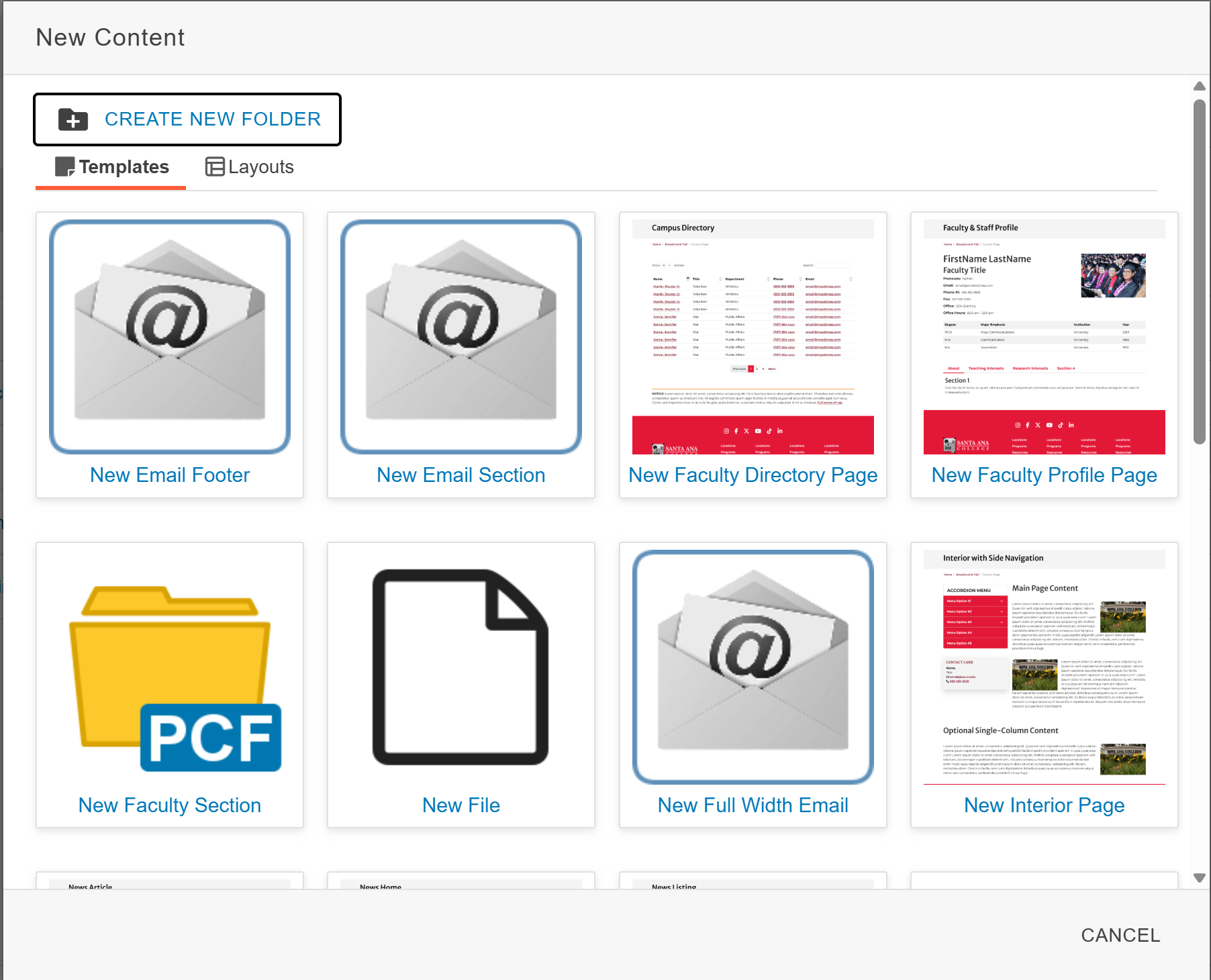
3. Create a page header. This will be displayed at the top of the page

4. Create a filename. This will be displayed in the link

Note: Page Titles are different than page names: page titles appear on top of the
web pages, they should contain spaces. Page names are file names, they should
not contain spaces.
Visit CMS Support for additional resources.